Draw, highlight, and enhance your images with an easy-to-use brush
Get started for freeThe Brush Tool allows you to draw and add creative elements directly to your images with ease. You can create smooth strokes, highlight specific areas, and make quick edits while working on your image. With additional options such as shapes and line tools, you can customize your designs and bring your ideas to life.
Draw and add details to your images quickly with an intuitive, easy-to-use brush.
Create smooth, controlled strokes to highlight, annotate, or enhance specific areas of your image.
Use the Brush Tool for free with no complicated setup—just open your image and start drawing.
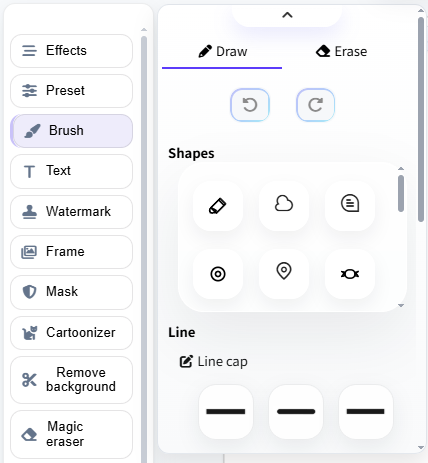
Create precise strokes, highlight details, and add your own creative touches directly to your images. Adjust your brush as needed to create the look you want.
Complement your brushwork with simple shapes and line elements. Add visual details, mark specific areas, or create clean designs directly on your images.
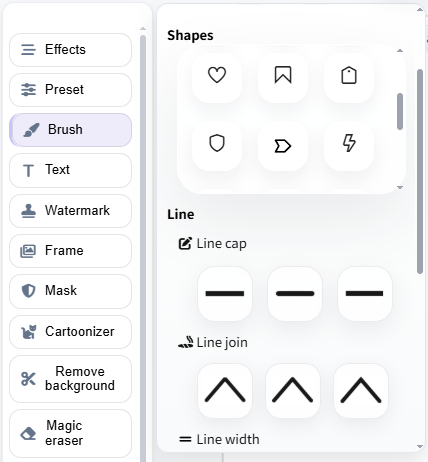
Our Brush Tool makes it easy to draw, highlight, and add creative details directly to your images. It's simple, intuitive, and requires no advanced design skills. Here's how to use it:
Yes, you can use our Brush Tool for free to draw, highlight, and add creative details to your images. You can also use shapes and line elements to further customize your edits.