Blur, hide, and cover parts of your images quickly and easily
Get started for freeImage masking is a simple way to hide or obscure specific areas of a photo while leaving the rest of the image unchanged. It can be useful for protecting private information, removing distractions, or creating cleaner visuals. With our Mask Tool, you can easily select areas of your image and apply the desired effect for a polished result.
Blur or hide unwanted areas of your images in just a few simple clicks.
Choose the areas you want to obscure and create clean, natural-looking results with ease.
Protect sensitive areas of your photos with an easy-to-use tool that's free to try.
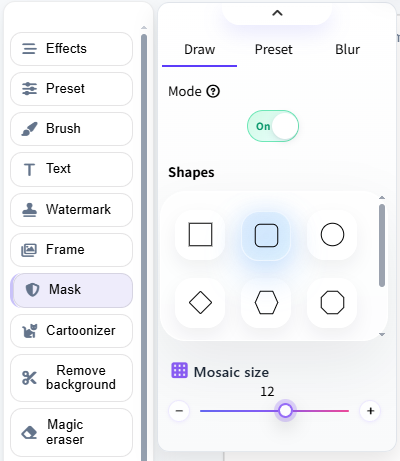
Quickly blur selected areas of your image to hide details you don't want others to see. Apply the effect exactly where you need it for a clean and natural result.
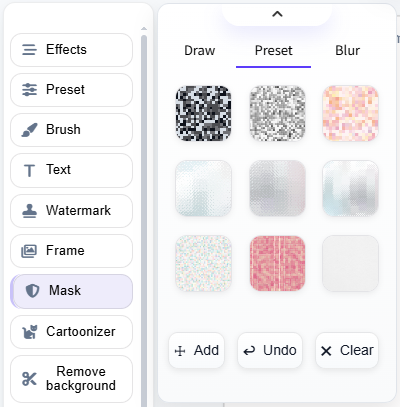
Cover unwanted or sensitive content with a preset image and create a more polished, visually appealing result without complicated editing.
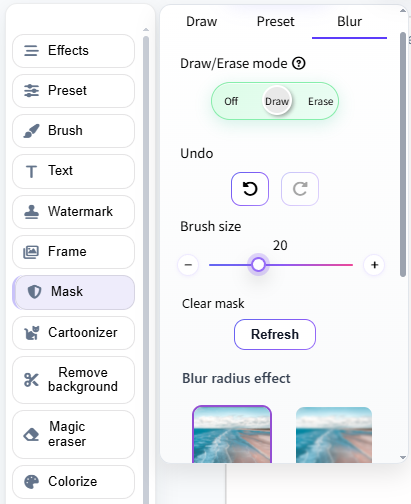
Draw over any area of your image to apply a blur effect. It's a simple way to hide faces, text, objects, or other details before sharing your photo.
Our Mask Tool makes it easy to blur, hide, or cover unwanted areas of your images. It's fast, intuitive, and requires no advanced editing skills. Here's how to use it:
Yes, you can use our Mask Tool for free to blur, hide, or cover unwanted areas of your images. It's a simple way to protect private information or remove distracting details before sharing your photos.