
Generate, customize, and download QR codes instantly.
Get started for freeQR code creator is a tool that generates QR codes from information like URLs, and contact details (vCard). You can customize the design, add a logo or image inside the QR code, and download it for use in marketing, websites, business cards, or social media. QR codes make it easy for users to scan and instantly access your information.
Create QR codes in seconds—just enter a URL or contact details (vCard).
Personalize your QR codes your logo or image inside the QR code.
Generate and download QR codes instantly with no subscriptions or complicated setup.
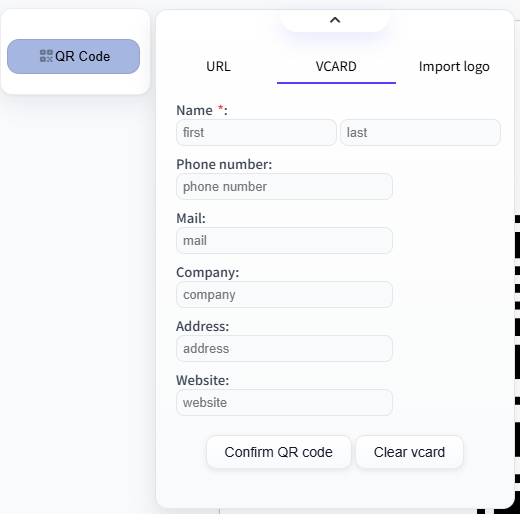
Just enter a website URL or your contact details (vCard) and the tool will instantly convert the information into a scannable QR code. When someone scans the code with their smartphone camera, they can immediately open the website, or save your contact information without typing anything manually.
Make your QR codes more professional and recognizable by adding your logo or image directly into the center of the QR code. This feature allows you to personalize your QR code so it matches your brand, business identity, or design style.
Simply upload your logo or image, and it will be automatically placed inside the QR code without affecting its scanability. This makes the QR code more visually appealing while still remaining easy for smartphones to scan.
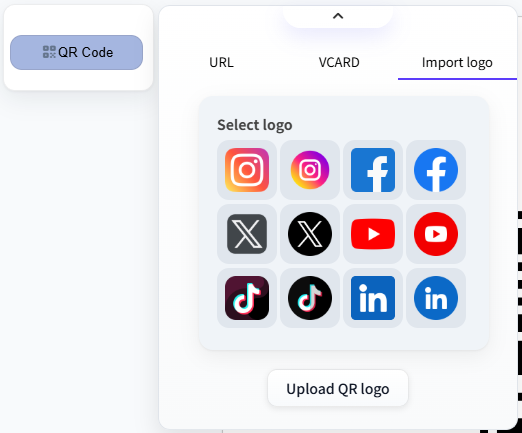
Creating a QR code is quick and simple. With our easy-to-use QR Code Creator, you can turn your information into a scannable QR code in just a few steps:
Securely generate and customize QR codes online, and access them anytime from any device.
Try It NowYes. Your QR codes and any uploaded logos or images are stored securely, ensuring privacy and safety.
No. Our QR creator is simple and intuitive—just enter your URL or contact details, customize if you want, and download your QR code.
Yes! You can generate and download QR codes for free, including options to add logos or images.