Edit Your Images with Powerful Classic Editing Tools!
Get started for freeClassic Editor Tools provide essential image editing features that help you customize and enhance your photos with precision. Apply effects and presets, paint with brushes, add text, watermarks, and frames, or use masks to control exactly which parts of the image you want to edit. These tools give you full creative control to fine-tune your images and achieve the perfect result.
Edit and enhance your images effortlessly with classic tools like effects, presets, brushes, text, and frames.
Take full control of your edits with brushes, masks, effects, text, and more.
Try out our tool for free—no subscriptions, just upload and go!
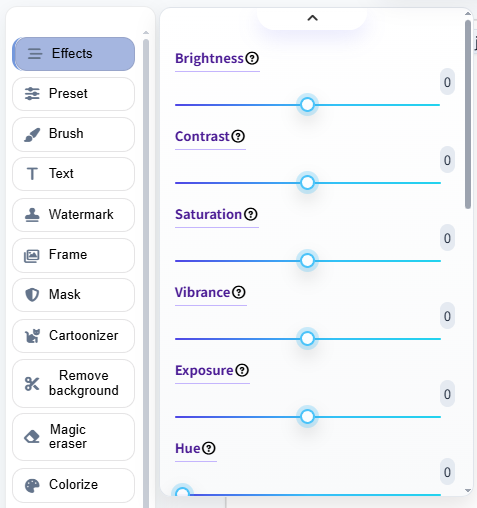
Apply stunning effects to your images in just a few clicks with our powerful tools! Easily enhance the mood, style, or color of your photo by selecting from a variety of presets and effects. Adjust intensity and fine-tune each effect to create professional-looking results instantly.
Enhance your photos in seconds with ready-to-use presets! Choose from a wide variety of professionally designed presets to quickly adjust colors, tones, and styles. Each preset can be customized to fit your image perfectly, giving your photos a polished, consistent look with minimal effort
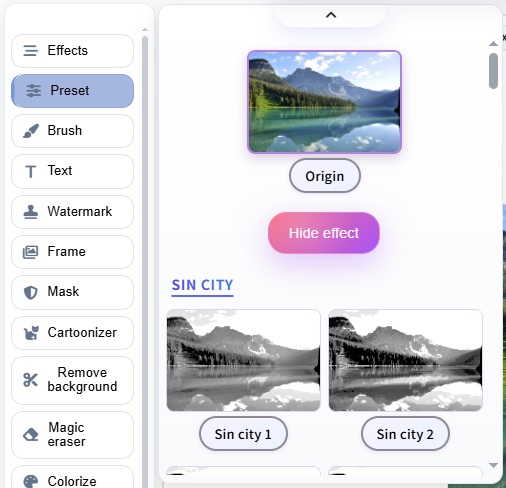
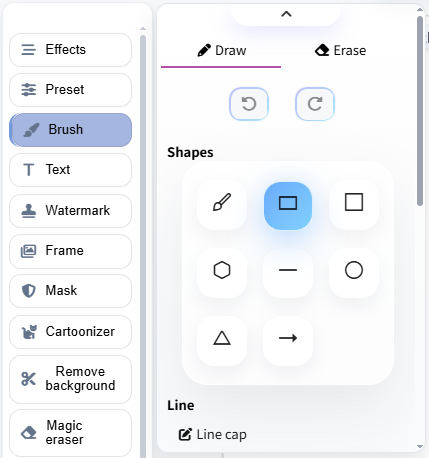
Apply stunning effects to your images in just a few clicks with our powerful tools! Easily enhance the mood, style, or color of your photo by selecting from a variety of presets and effects. Adjust intensity and fine-tune each effect to create professional-looking results instantly.
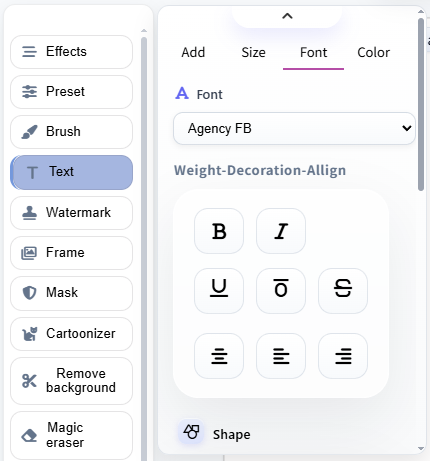
Easily add captions, titles, or messages to your photos. Choose fonts, colors, sizes, and styles to make your text blend naturally or stand out. Perfect for social media posts, invitations, and personal projects.
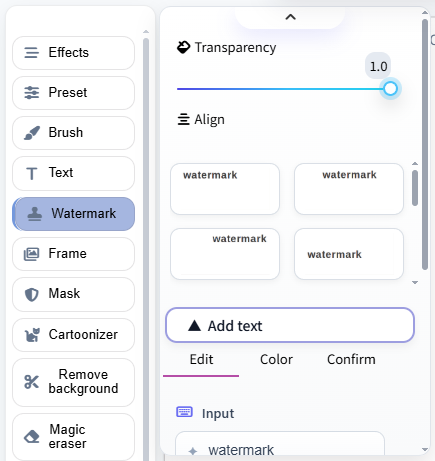
Add custom watermarks to your images in just a few clicks. Choose text or image watermarks, adjust transparency, position, and size to protect your photos while keeping them visually appealing.
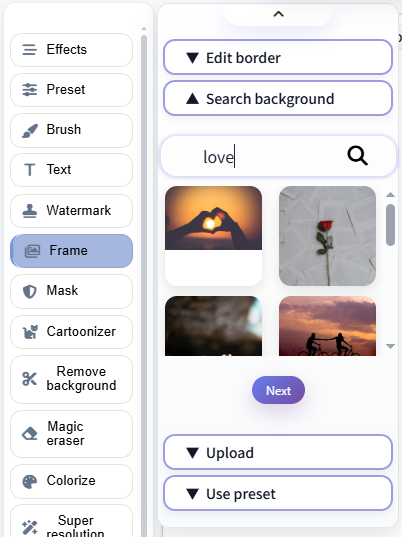
Enhance your images by adding stylish frames. Pick from a variety of designs to highlight your photo, create a theme, or give it a polished, professional look in seconds.
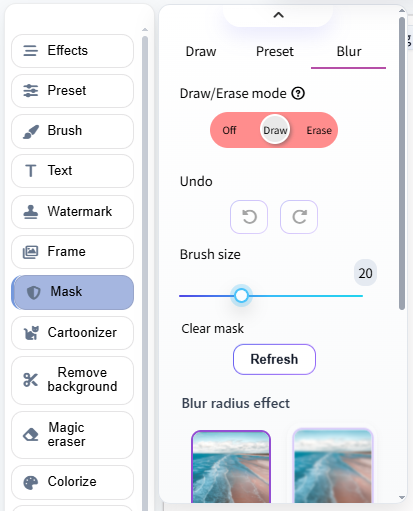
Control exactly which parts of your image are affected with masks. Use them to apply effects, colors, or edits only where you want, giving you full precision and creative freedom for perfect results.
Our Classic Editor Tools give you full control to enhance and customize your images effortlessly. It’s fast, intuitive, and requires no advanced design skills. Here's how to use them:
Easily enhance and customize your photos with Classic Editor Tools! Apply effects, presets, brushes, text, watermarks, frames, and masks—all in just a few clicks!
Try It NowClassic Editor Tools are a set of essential image editing features—including effects, presets, brushes, text, watermarks, frames, and masks—that let you easily enhance and customize your photos.
Select the tool you want to use, such as effects or brushes, and apply it directly to your image. You can adjust settings in real time and see the changes instantly for precise editing.
Absolutely! The tools are designed for simplicity. Upload your image, choose a tool, and customize your edits with intuitive controls—no design skills required.
Yes! Whether it’s detailed masking, layering text, or combining multiple effects, the tools give you precise control to handle complex edits and create professional results.
Yes, you can easily undo or redo any edits at any stage of the process to ensure you get the perfect result.
After editing, you can download your enhanced image directly to your device by clicking the download button.